

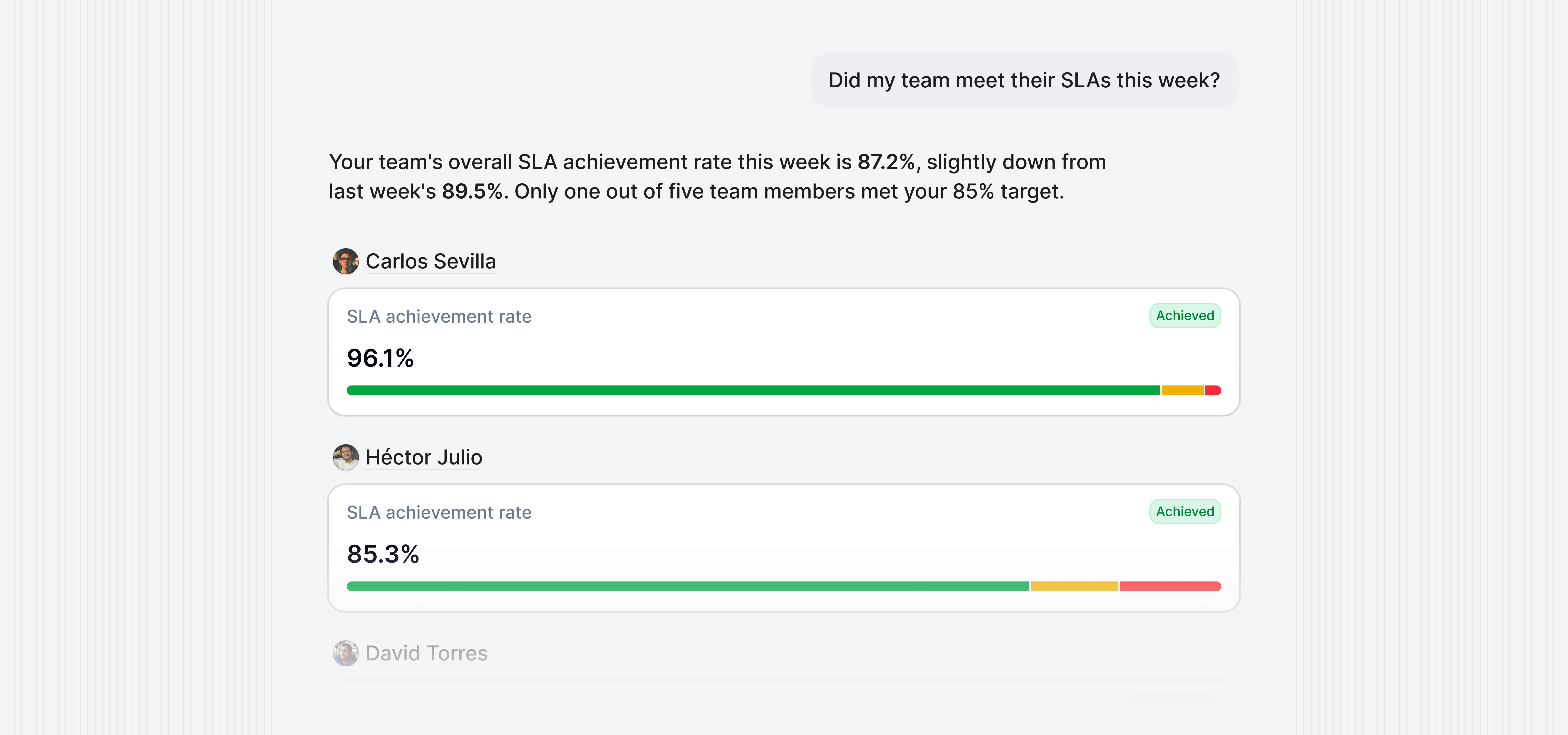
 AI chat lets you ask questions about your email data in plain language instead of navigating dashboards, building filters, or configuring reports. Just type what you want to know and get an instant answer.
You can ask things like:
AI chat lets you ask questions about your email data in plain language instead of navigating dashboards, building filters, or configuring reports. Just type what you want to know and get an instant answer.
You can ask things like:
- “What’s our average response time this month?”
- “Which emails did our team take longer to respond to?”
- “Who sends the most emails on our team?”
- “How many emails did we receive from
acmecorp.comlast week?”
AI chat is currently in Beta. Access must be requested and enabled per workspace. If you’d like to try it, reach out to your Business Intelligence consultant.
How it works
When you ask a question, the system goes through a complex process to make sure the answer is accurate:- Your question is interpreted to understand what you’re asking for: which metrics, what time period, which mailboxes or domains, and how you want the data presented.
- That interpretation is translated into a structured, validated query against your pre-aggregated email metrics. This is not a simple pass-through to an AI model. The system builds a precise query based on your actual data schema.
- The query runs against your dataset with strict controls, and the results are formatted into a natural language response, often accompanied by a chart or table.
- Follow-up suggestions are provided after each answer so you can explore related questions without starting from scratch.
What it can answer
AI chat works with the same email metrics available across Email Meter: volumes, response times, communication patterns, and thread activity. You can ask about any combination of these metrics and filter by mailboxes, email addresses, domains, and time periods. Responses are formatted as:- Text: for straightforward answers like totals or averages
- Bar charts: for comparisons and rankings
- Line charts: for trends over time
- Pie and doughnut charts: for proportional breakdowns
- Tables: for detailed, multi-column data
Data privacy and security
AI chat is designed so that your sensitive email data is never exposed to the AI model.- No email content is sent to the AI: the model never sees email subjects, bodies, recipients, or any raw email data. It only works with pre-aggregated metrics like counts, averages, and response times.
- No direct dataset access: the AI does not query your data directly. Your question is translated into a structured, parameterized query that runs against BigQuery with strict controls.
- Role-based access is enforced: query results respect your workspace role. Admins see data across the workspace, Managers only see data for their managed teams, and Viewers only see their own data. These restrictions are applied at the query level and can’t be bypassed through the chat interface.
- Infrastructure: AI chat is powered by Google Vertex AI, hosted in
europe-west1. Your data does not leave Google Cloud infrastructure, and is never used to train or improve AI models.